Automatic parent report
Generate the report in one click — a minute, not an hour.
The report starts from the lessons you already logged: the trends come read and the summary comes written. Review, adjust and send it by link, with control over who opens it.
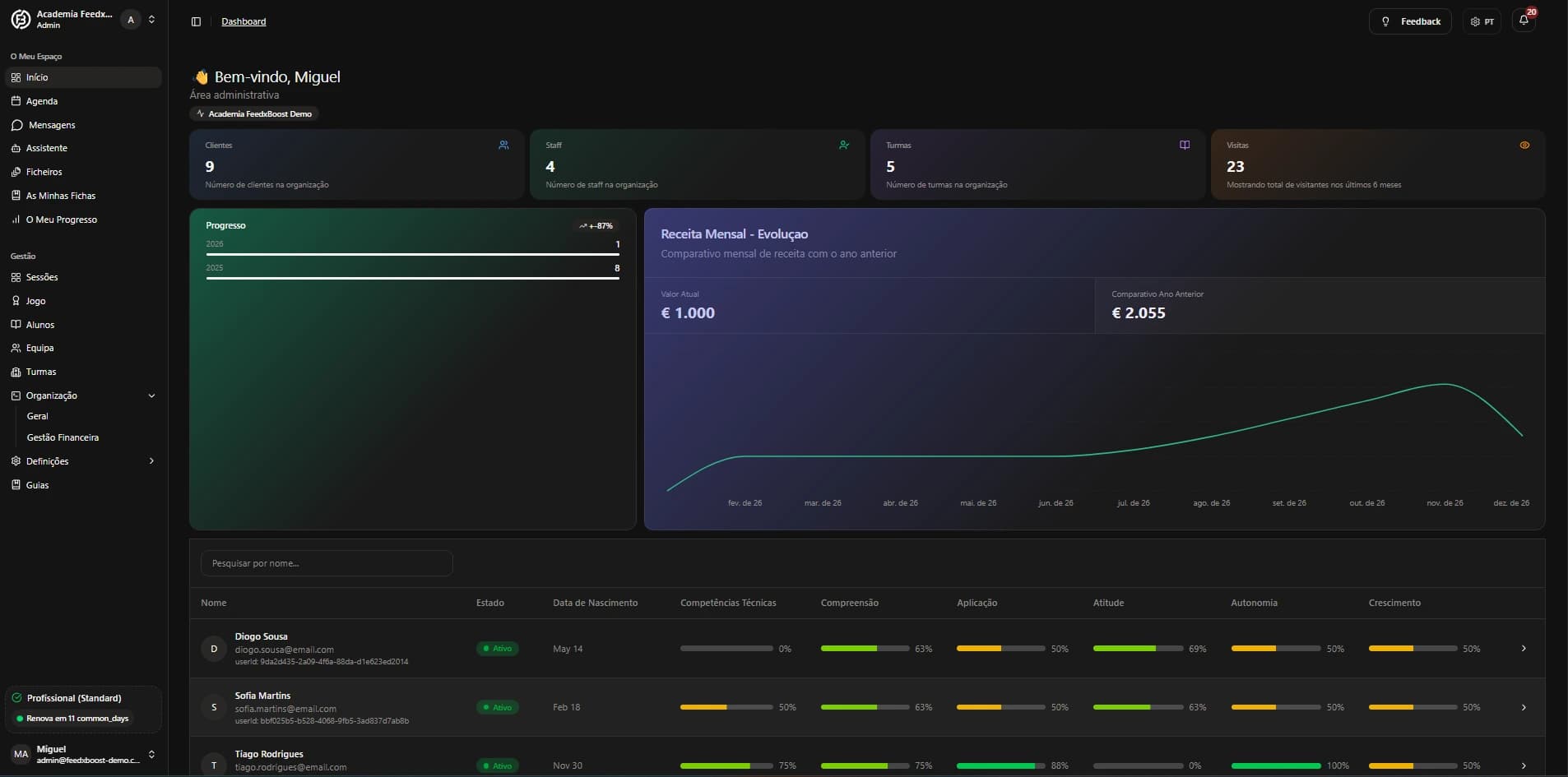
Generate the report in one click — a minute, not an hour.
The metrics are read, the trends identified and the summary written for you.
A clear report per student and per subject, without mixing everything together.
The end-of-term report stops being an evening of work.
Templates per subject — consistency without rewriting everything.
Real progress, shown with data — not with "he seems to be doing better".
The report comes out of each session’s feedback — nothing gets written twice.
The report is not a generic PDF: it is this record, with the six lessons’ progress and the summary written from them. Parents open it by link and understand it in thirty seconds.
Matilde now reads the question on her own and works out what it is asking, which she could not do a month ago. She still swaps signs in mental arithmetic. We will keep at that over the next two sessions.
Example with made-up data. The student and the numbers were invented to show the format.
A month, a term, the year. The report pulls together the lessons in that window.
Progress per category, what improved, what stalled and what to practise at home. Adjust the tone if you want.
With controlled access and a record of who opened it. No attachments doing the rounds in group chats.
Assessing stopped being a vague "well done" at the end of the lesson.
SeePreparing exercises stopped being the Sunday-night job.
SeeScheduling, missed lessons and payments stop being scattered across a notebook, a spreadsheet and messages.
SeeNotices, feedback and reports stop depending on loose messages.
SeeShowing progress no longer depends on your memory.
Parents stop asking “so, how did it go?”.
The report is the sum of the work, not one more task on top of it.
Log the lessons from now on and the report writes itself on top of them. 7 days free, no card.
Start free trial ↗7 days free on the Personal plan · no card · cancel whenever you like